
A difficult math chapter at 8 p.m., a test on Friday, and a child who says, “I studied, but I still don’t get it.” This is the moment when study apps can make a real difference – not by adding more screen time, but by making every study session clearer, more focused, and easier to repeat.
For CBSE and state-syllabus students in grades 6-12, the right app can bring the structure of a good tuition class into the home. It can explain a chapter step by step, give students a place to practice, and show parents whether revision is actually happening. But not every app supports better marks. The best choice depends on whether it helps a student build understanding, consistency, and exam readiness together.
What Good Study Apps Should Actually Do
A study app should not feel like a folder full of random videos or a stream of quick quizzes. Students already have enough information available to them. What they often need is guidance: what to study first, how to understand it, when to practice, and how to recognize mistakes before an exam.
For a student struggling with algebra, for example, a short explanation is helpful only if it is followed by worked examples and questions at the right level. For a student preparing for science exams, watching a lesson on chemical reactions is useful, but it becomes powerful when the app also provides notes, chapter tests, and model questions that resemble the school exam pattern.
The strongest apps create a learning loop. A student learns a concept, practices it, receives feedback, revisits weak areas, and tests progress. This loop matters more than flashy features because marks improve when students can apply what they have learned under exam conditions.
Clear lessons make difficult chapters less intimidating
Math and science can feel overwhelming when one missed idea affects the next chapter. A student who does not understand fractions may struggle with algebra later. A student who has memorized definitions in physics may still lose marks if they cannot explain a concept in their own words.
Look for lessons that follow the textbook sequence and explain concepts in simple language. Animated videos can be especially useful for topics that are hard to picture, such as the human circulatory system, force and motion, geometry, or atomic structure. The goal is not to replace the school teacher. It is to give students another explanation, available whenever they need it.
Replay is one of the most valuable benefits of digital learning. In a classroom, a student may hesitate to ask the same question twice. In an app, they can pause, rewind, and watch again without feeling embarrassed. That small freedom often builds confidence.
Practice must be connected to the chapter
Many students spend long hours “studying” but do not solve enough questions. They read notes, underline lines, or watch videos, then feel surprised when a test question looks unfamiliar. Active practice is what turns knowledge into exam performance.
A useful learning app should include chapter-wise questions, home tests, worksheets, and mock exams. It should help students move from easy questions to application-based questions rather than pushing them immediately into difficult problems. This is particularly important for students who have lost confidence after repeated low scores.
Parents can support this process without turning every evening into a stressful interrogation. Instead of asking, “How long did you study?” ask, “Which chapter did you practice today?” and “Which question was hardest?” These questions encourage students to reflect on learning, not just time spent.
How Students Can Use Study Apps Without Getting Distracted
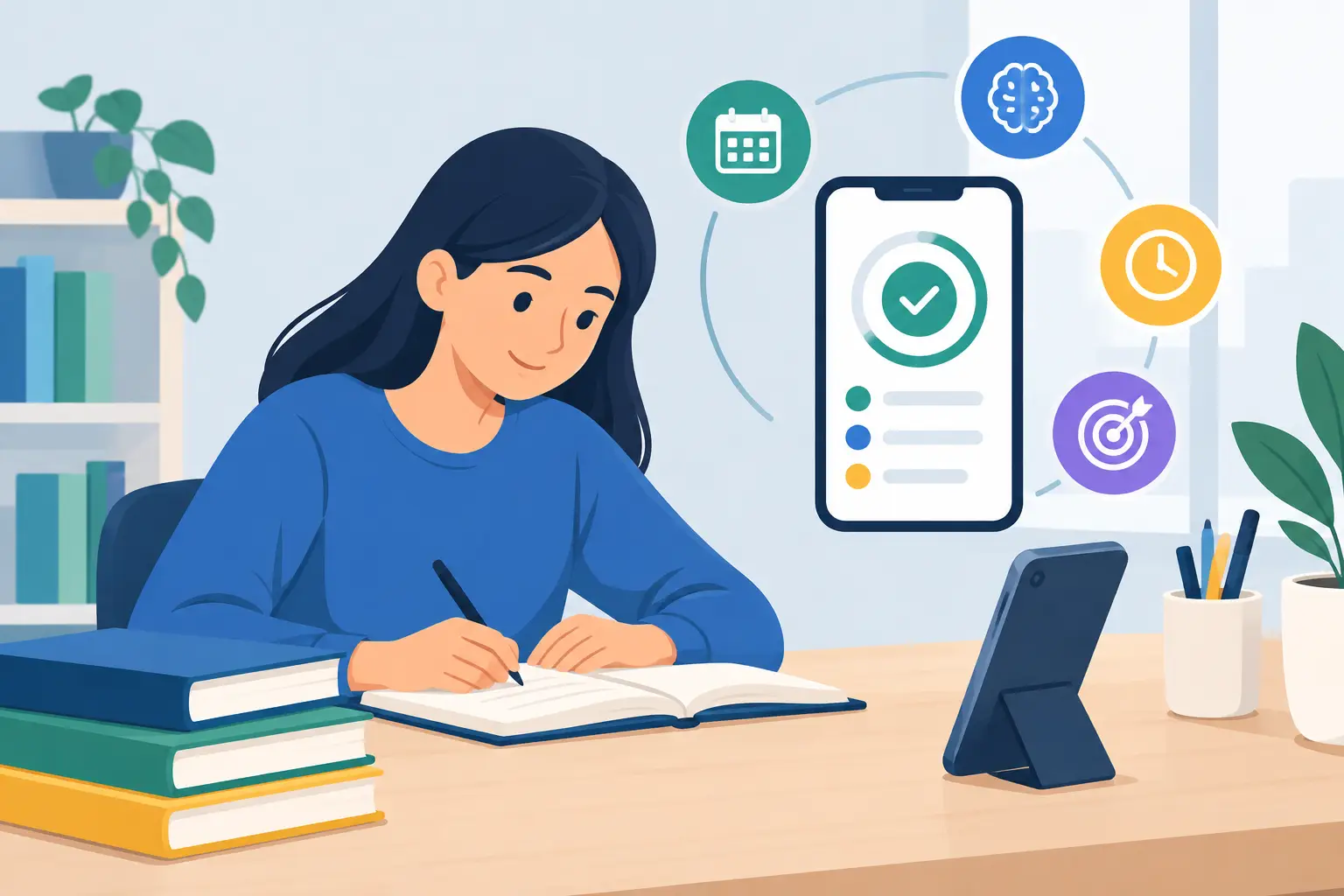
An app works best when it becomes part of a predictable daily routine. Downloading five different apps, watching a few videos, and switching between notifications is not a study plan. One structured platform used consistently is usually more effective than many disconnected resources.
Start with a realistic session. A grade 6 student may begin with 30 focused minutes, while a grade 10 or 12 student preparing for major exams may need longer blocks with short breaks. The important part is consistency. Daily revision prevents the last-minute panic that makes exam preparation feel impossible.
A practical session can follow a simple rhythm: learn one concept, make brief notes, solve questions, and identify one doubt. If the app offers doubt-ticketing or live support, students should use it early. Waiting until the night before an exam allows confusion to grow.
Offline access can also matter for busy families, especially where internet quality changes or students travel between school, activities, and home. Downloadable lessons give students a way to revise without depending on a perfect connection. Still, offline video alone is not enough. It should be part of a broader system that includes practice and progress checks.
Use live classes for accountability, not passive attendance
Live classes can add energy and routine to online tuition. Students know that there is a set time to show up, listen, and ask questions. For children who tend to postpone studying, this structure can be a major advantage.
But attendance is not the same as learning. After a live class, students should spend a few minutes reviewing the key idea and solving two or three related questions. This quick follow-up helps the brain retain what it has just learned. If a student cannot solve a basic question after class, that is a useful signal to replay the lesson or ask for help.
What Parents Should Look For Before Choosing an App
Parents are right to ask whether an app will improve results, not merely keep a child busy. The answer depends on the learning design and on how closely it matches the student’s syllabus, current level, and goals.
First, check curriculum alignment. A generic app may teach a topic correctly but in a sequence that does not match the child’s school. A syllabus-aligned app allows students to revise the same chapters they are covering in class. This makes tuition feel relevant right away and reduces the pressure of managing separate learning tracks.
Second, consider the level of support. Some students are independent and need mainly videos and tests. Others need live classes, personal attention, reminders, and a clear way to ask doubts. There is no single right format for every child. A high-performing student may need advanced practice and mock exams, while a student who is behind may first need patient explanations and smaller, achievable targets.
Third, look for visible progress. Parents should be able to understand which chapters have been completed, where the student is making mistakes, and what needs attention next. Progress reports are not about pressure. They help families have calm, specific conversations about learning.
For example, if a child’s performance shows repeated errors in linear equations, the next step is clear: revisit that chapter, complete targeted questions, and retest. Without this visibility, students can spend hours revising topics they already know while avoiding the ones that need work.
Features That Support a 90+ Mindset
A 90+ score is rarely the result of one last week of intense studying. It comes from steady chapter completion, repeated practice, and the confidence to face unfamiliar questions. That is why a good digital tuition experience should support both everyday learning and serious exam preparation.
Look for a combination of recorded lessons, daily live classes, lecture notes, practice questions, home tests, and mock exams. Each feature serves a different purpose. Videos improve understanding. Notes make revision faster. Practice questions reveal gaps. Mock exams teach time management and reduce fear of the real test.
Multilingual explanations can also help students and families who are more comfortable learning complex ideas in a familiar language. The academic language of the exam still matters, but initial understanding should not be held back by language barriers.
OurOwn’s 90+ My Tuition App is built around this kind of chapter-based support, with structured content for CBSE students and tools that help parents stay connected to progress. The most useful platform, however, is always the one a student will use with discipline. Features have value only when they lead to regular learning action.
Turn App Time Into a Weekly Study Plan
The simplest way to make digital tuition effective is to plan the week before it gets busy. Assign specific chapters to specific days, leaving room for school homework and rest. Students should avoid treating every subject equally when exams are near. More time should go to weak chapters and high-weight topics, while stronger areas need shorter maintenance revision.
At the end of each week, students can review three things: what they understood, what they practiced, and what still feels confusing. This habit turns learning into a visible journey. It also helps parents praise effort with specifics, such as completing a difficult chapter or improving a test score, instead of focusing only on final marks.
The right app cannot take an exam for a student. What it can do is replace confusion with a clear next step: watch the explanation, solve the question, ask the doubt, and try again. When that pattern becomes a daily habit, stronger scores start to feel less like a wish and more like a plan.